Video calls without app stress
Family can stay close without the user first having to operate a phone or tablet. Large buttons and familiar faces make contact clearer.
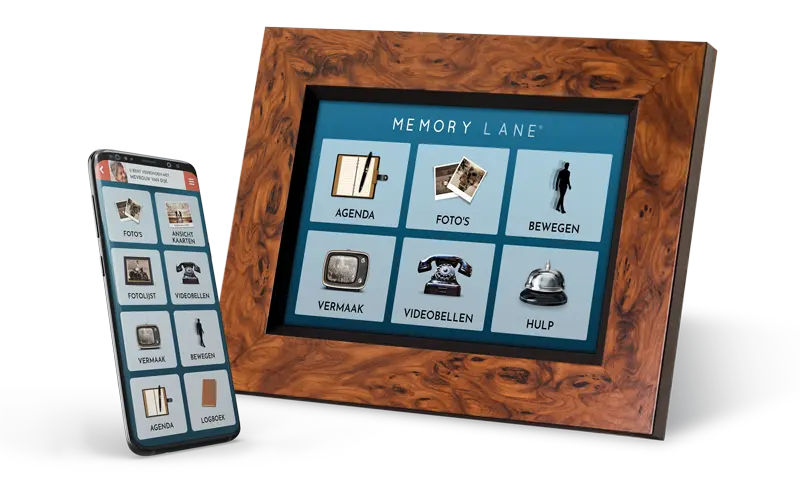
Many families look for a senior tablet or tablet for older adults to make video calls, share photos and stay in touch. Memory Lane offers those calming benefits on a screen that is always ready and asks for far fewer digital steps.
An iPad or Android tablet can do a lot, but it also asks a lot: charging, unlocking, finding apps, clearing notifications and remembering passwords. For older adults with less digital confidence, or for people with memory problems, that can create distance instead.
Memory Lane was developed as a senior tablet, care screen and photo-frame device. The screen stays on, shows familiar faces and makes contact possible with large buttons and a closed circle of family and trusted contacts.
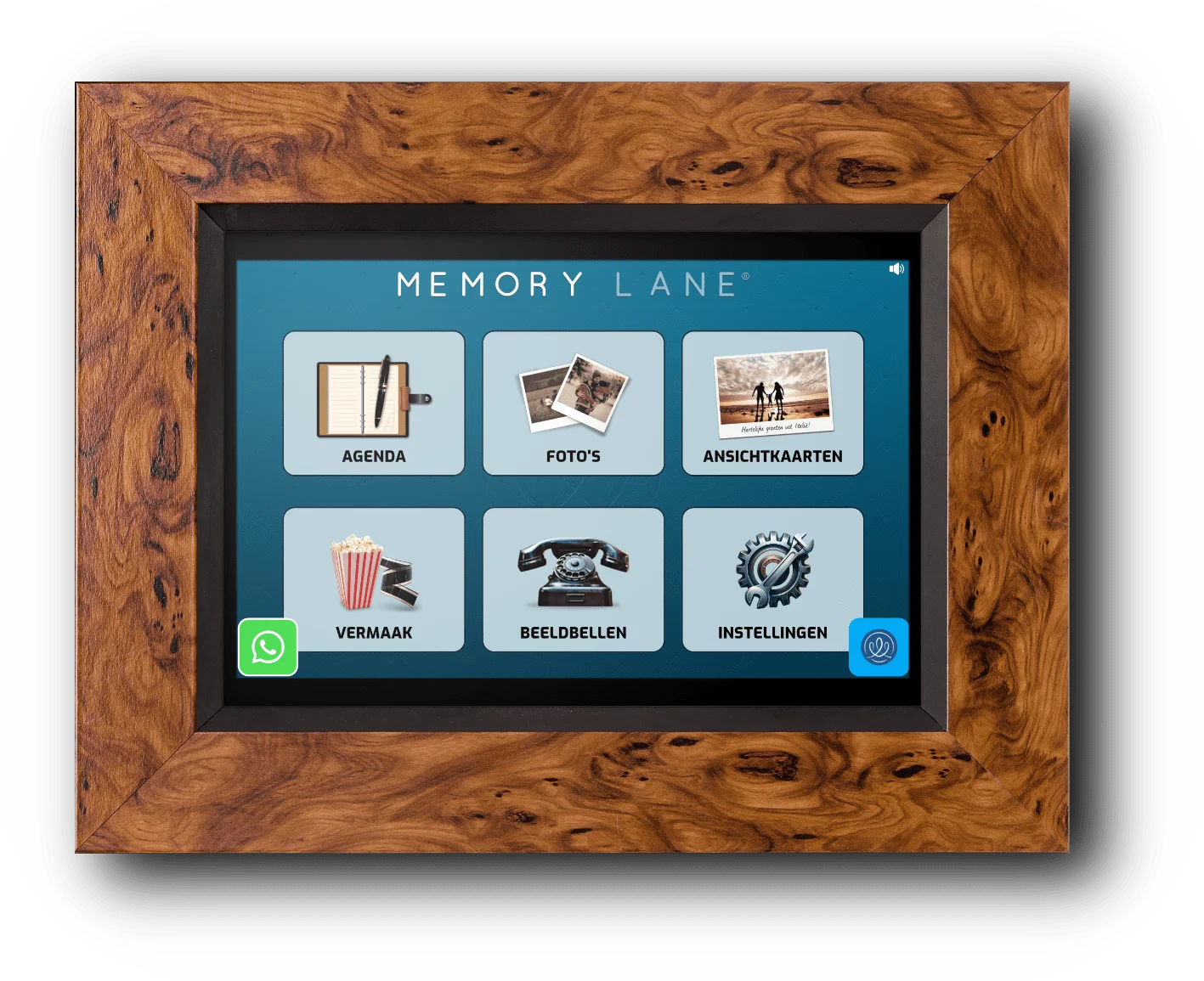
A senior tablet is not about as many apps as possible. It is about simple contact, recognition and calm in the day.
Family can stay close without the user first having to operate a phone or tablet. Large buttons and familiar faces make contact clearer.
New photos, cards and memories appear automatically on the screen. The photo frame stays alive and technology becomes familiar.
Appointments, birthdays and daily rhythm can be made visible. Caregivers can manage a lot remotely through the app.
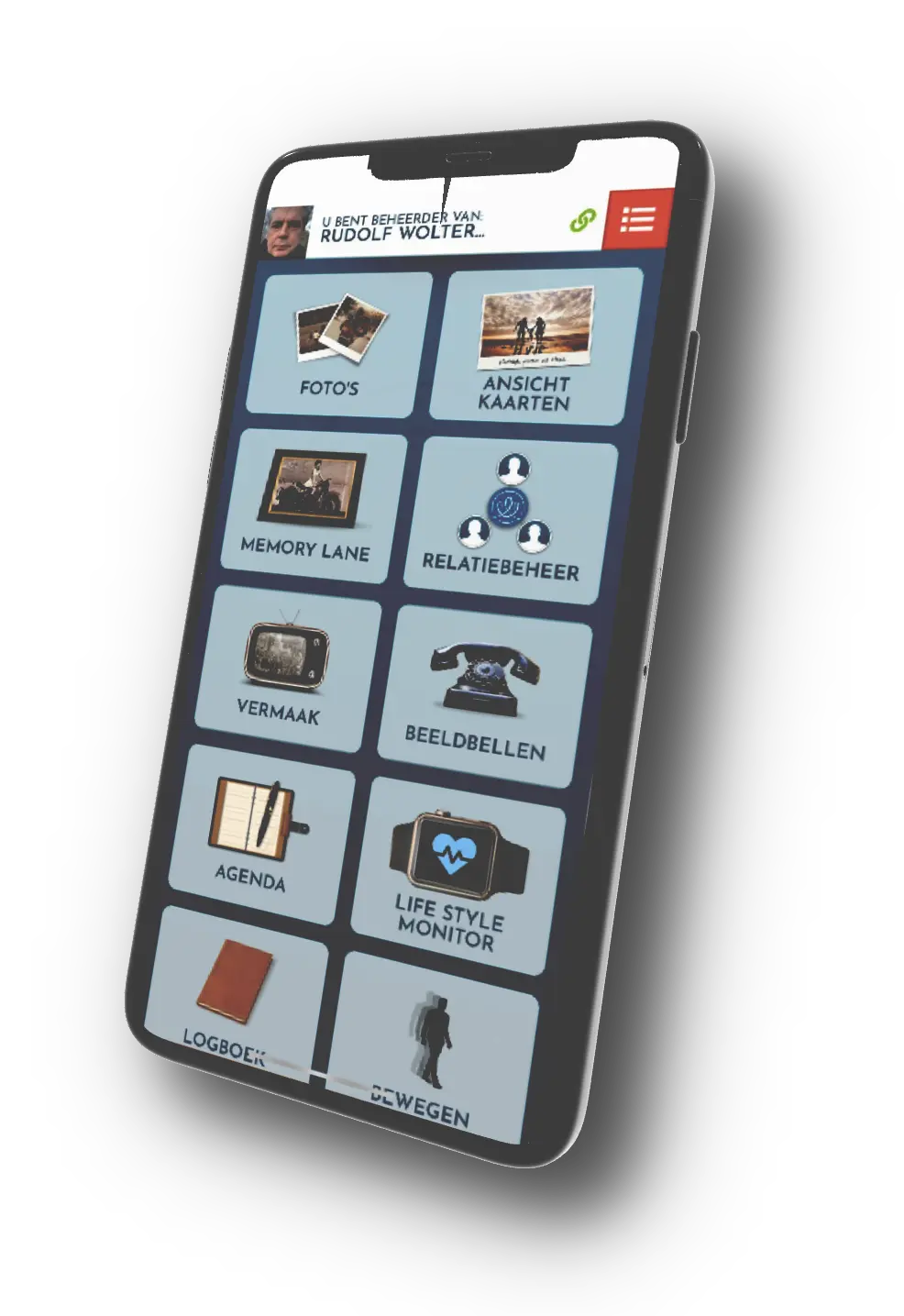
Memory Lane is not only a screen for the older adult. It is also a tool for family and caregivers who want to support from a distance.
Memory Lane is especially useful when a regular senior tablet feels too technical, but contact and daily structure are important. Think of parents who use fewer apps, older adults who get lost in menus more quickly, or people where dementia or forgetfulness plays a role.
The goal is not to replace every tablet feature. The goal is to make the most important functions easier to use: video calls, photos, calendar, entertainment, reminders and reassurance.
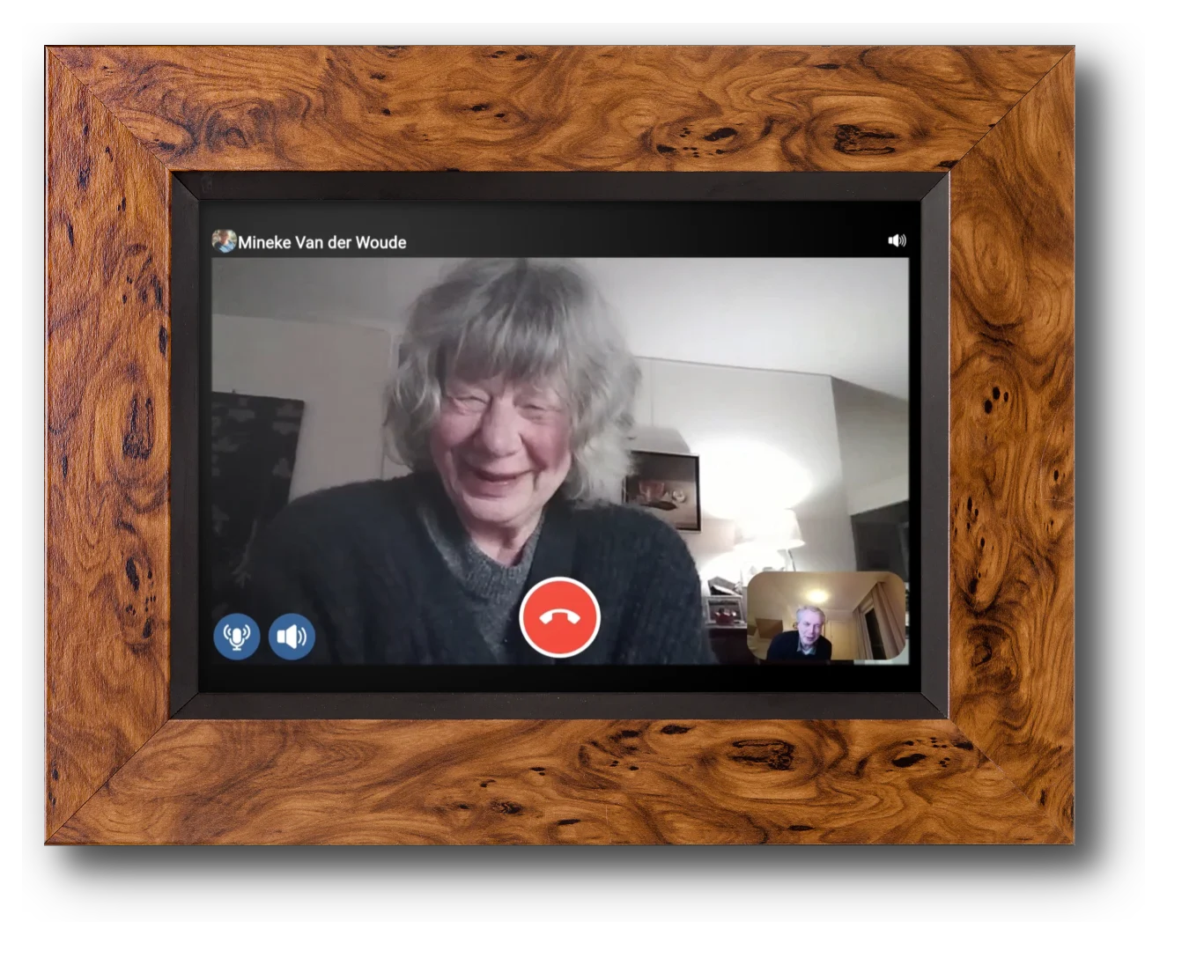
Consider Memory Lane as a calm alternative to a regular tablet for older adults: easier to use, familiar at home and designed for family contact and remote caregiving.
Roxelane Care BV (c) 2023-2025.
Developed by Roxelane BV